
InstaRank Integrationsfor Your CMS and Data
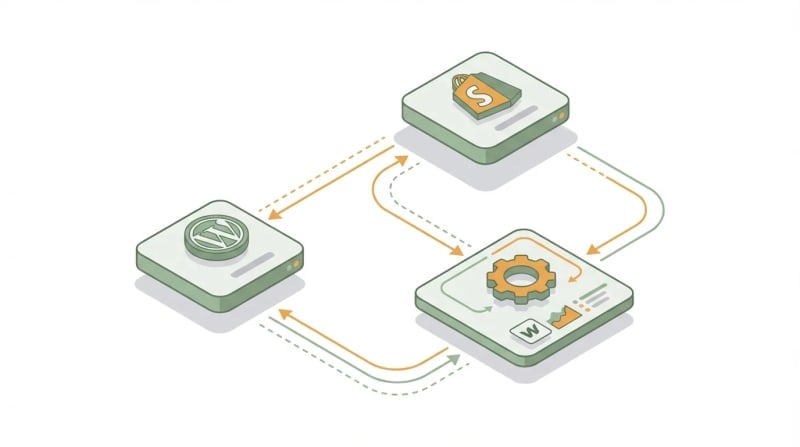
Generate programmatic SEO pages in InstaRank and send them where your site lives. WordPress gets managed publishing through the InstaRank plugin. Shopify, Webflow, Wix, Squarespace, Framer and Next.js get an import-ready file. Bubble sites get crawls and audits.
CMS Platforms
Each platform page explains what InstaRank does there, what it does not do, and the steps to get pages live.

WordPress
The only managed publishing integration: the InstaRank plugin receives your generated pages and creates them in WordPress. Detects Yoast, Rank Math and other SEO plugins.
Learn more
Shopify
Store landing pages and collection guides, exported as Shopify pages JSON (title, handle, body_html). Import with an API workflow or app; pages arrive unpublished.
Learn more
Webflow
CMS collection pages exported as a Webflow CMS CSV. Import it into a collection and map the Body and SEO fields.
Learn more
Squarespace
Landing page copy and metadata as a content CSV. Squarespace has no native bulk import for it, so it works as a handoff file.
Learn more
Wix
Collection content as a Wix CMS CSV, ready to bind to a dynamic page template and its SEO settings.
Learn more
Notion
A Notion database can be the data source for programmatic pages published through the WordPress plugin. There is no Notion export.
Learn more
Framer
Content and slugs as a Framer CMS CSV. Import it into a collection, then connect your page template and SEO settings.
Learn more
Bubble
Crawl and audit a Bubble.io app, then fix the issues in the Bubble editor. Audits only: InstaRank does not publish to Bubble.
Learn moreNext.js
Structured page data as JSON for your routes, plus the @instarank/nextjs package. Your app controls routing, rendering and deployment.
Learn moreHow Integrations Work
Pick your platform, map your data to a template, generate the pages, then publish through WordPress or import the file.
Pick Your Platform
Choose where the pages will live. WordPress connects through the InstaRank plugin; the other platforms get an import-ready export file.
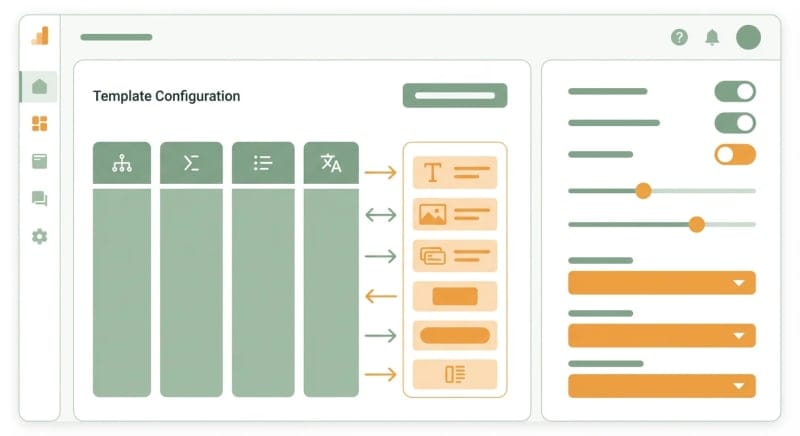
Configure Templates
Design a page template and map your dataset columns (city, service, price) to its dynamic fields, including the SEO title and meta description.
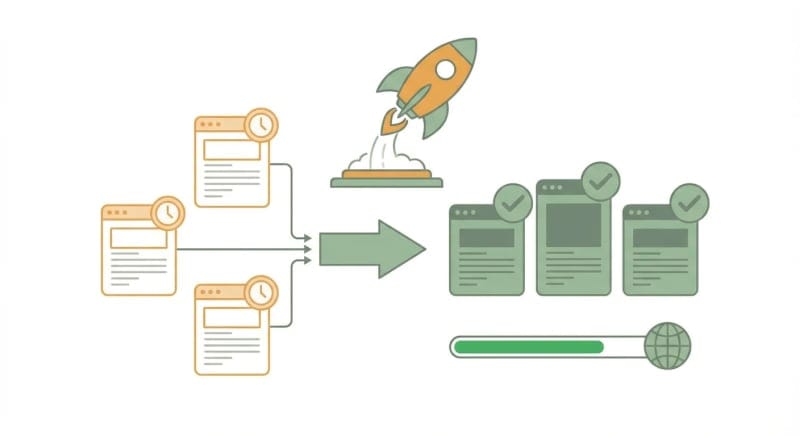
Generate the Pages
Generate one page per dataset row with managed AI in the web app, or with your own provider key in the Google Sheets add-on.
Publish or Import
On WordPress, the plugin creates the pages and supports IndexNow. Elsewhere, download the file, import it into your CMS and review the items before publishing.


Page Builders
The WordPress plugin works with templates built in these page builders (see the plugin docs)
How Pages Reach Each CMS
What InstaRank gives you for each platform and what you do with it. WordPress is the only platform with managed publishing.
| Platform | Page type | You get | What you do next |
|---|---|---|---|
| WordPress | Pages & posts | Managed publishing via the plugin, or a WordPress CSV | Connect WordPress in a project and the plugin creates the pages, or map the CSV fields in your WordPress importer. |
| Shopify | Store landing pages | Shopify pages JSON | Download page payloads with title, handle and body_html. Use a Shopify API workflow or app to import them; this is not a product CSV. Pages are unpublished. |
| Webflow | CMS collection pages | Webflow CMS CSV | Import the CSV into a Webflow collection and map Body and SEO fields to your collection fields. Review items before publishing. |
| Wix | Dynamic pages | Wix CMS CSV | Import the CSV into Wix CMS and map the fields to your collection. Bind them to a dynamic page template and its SEO settings. |
| Squarespace | Page content | Content CSV | Use the CSV as a content handoff for your Squarespace pages. Squarespace does not provide a native bulk landing page import for this file. |
| Framer | CMS content | Framer CMS CSV | Import the CSV into a Framer CMS collection and map its fields. Connect your page template and SEO settings before publishing. |
| Next.js | Structured page data | Pages JSON | Use the JSON as a data source in your Next.js routes. Your application controls routing, rendering, metadata and deployment. |
| Bubble | Existing app pages | Crawl and SEO audit | Fix titles, meta descriptions and other issues in the Bubble editor. No export or publishing. |
SEO Plugins
The WordPress plugin detects these SEO plugins and works with them
Detected automatically
Detected automatically
Detected automatically
Detected automatically
Detected automatically
AI Providers
Providers you can use in the Google Sheets add-on with your own API key. The web app uses managed AI with a monthly allowance.
OpenAI
Anthropic Claude
Google Gemini
Groq
DeepSeek
Data Sources
Where the rows behind your pages can come from. Need data to start? Browse the free SEO datasets.

Google Sheets
Generate pages from a sheet with the add-on

Airtable
Data source for WordPress programmatic pages

Notion
Data source for WordPress programmatic pages
CSV Upload
Upload a CSV with one row per page
Build with Our API
Use the InstaRank REST API to manage your websites and read their SEO reports and suggested AI fixes from your own scripts and dashboards.
const response = await fetch(
  'https://api.instarank.com/v1/websites/123/reports',
  { headers: { Authorization: 'Bearer sk_...' } }
);
const reports = await response.json();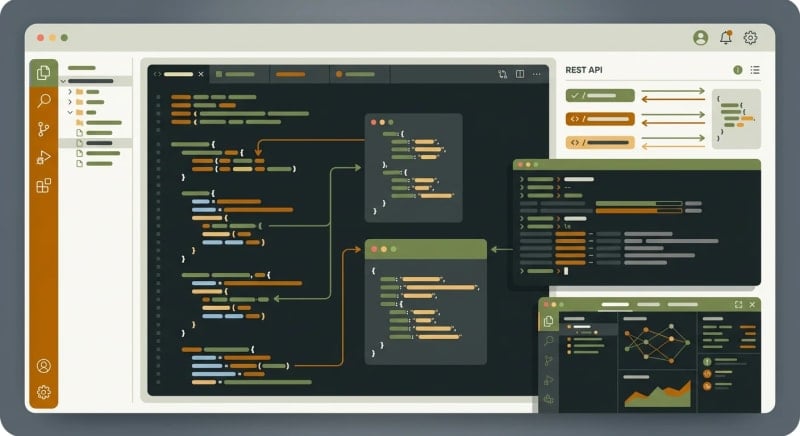
InstaRank Integrations FAQ
Which CMS can InstaRank publish to directly?
WordPress. The InstaRank plugin from WordPress.org receives the pages you generate in app.instarank.com and creates them on your site. For Shopify, Webflow, Wix, Squarespace, Framer and Next.js, InstaRank gives you an import-ready file instead, and you import or review it in your platform.
Does InstaRank publish to Shopify, Webflow or Wix automatically?
No. Shopify gets a pages JSON file you import with an API workflow or app, and the pages arrive unpublished. Webflow, Wix and Framer get a CMS CSV you import into a collection. Squarespace gets a content CSV, because it has no native bulk import for landing pages.
Can I use InstaRank with Bubble or Notion?
Yes, with limits. For Bubble, InstaRank crawls and audits your app and you fix the issues in the Bubble editor; it does not publish to Bubble. Notion works as a data source for programmatic pages published through the WordPress plugin; there is no Notion export.
Do I need my own AI API key?
Only in the Google Sheets add-on, where you add keys for OpenAI, Claude, Gemini, Groq or DeepSeek and pay the provider directly. The web app uses managed AI with a monthly allowance shown in your account.
Do the integrations cost extra?
No. InstaRank is free, with no subscription or credit card. Usage limits apply: website crawls up to 1,000 pages, and Google Sheets up to 10,000 generated pages per month.
Ready to Connect Your Stack?
Create a free account, add your site and generate your first programmatic pages for WordPress or as an import file for your CMS. No credit card.